Step 1: Pick your item
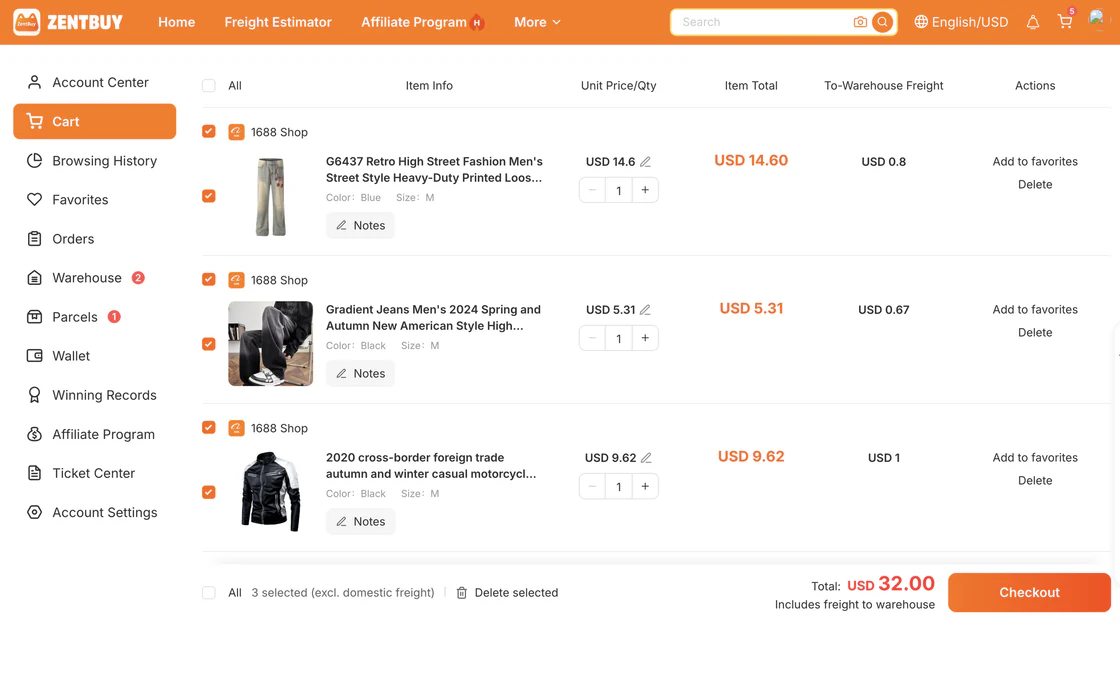
- Open it on Zentbuy from any Buy button on the sheet.
- Choose the size, colour and quantity. Check them twice: changing them after you pay means cancelling the order.
- Tap Confirm.
Guide
No video yet. The steps below are enough for your first order.
Yes. Paste its Taobao, Weidian, 1688 or Tmall link into Convert a link and you'll get the Zentbuy link for it.
Not once you've paid. You'd have to cancel and order again, so check the options before you pay.
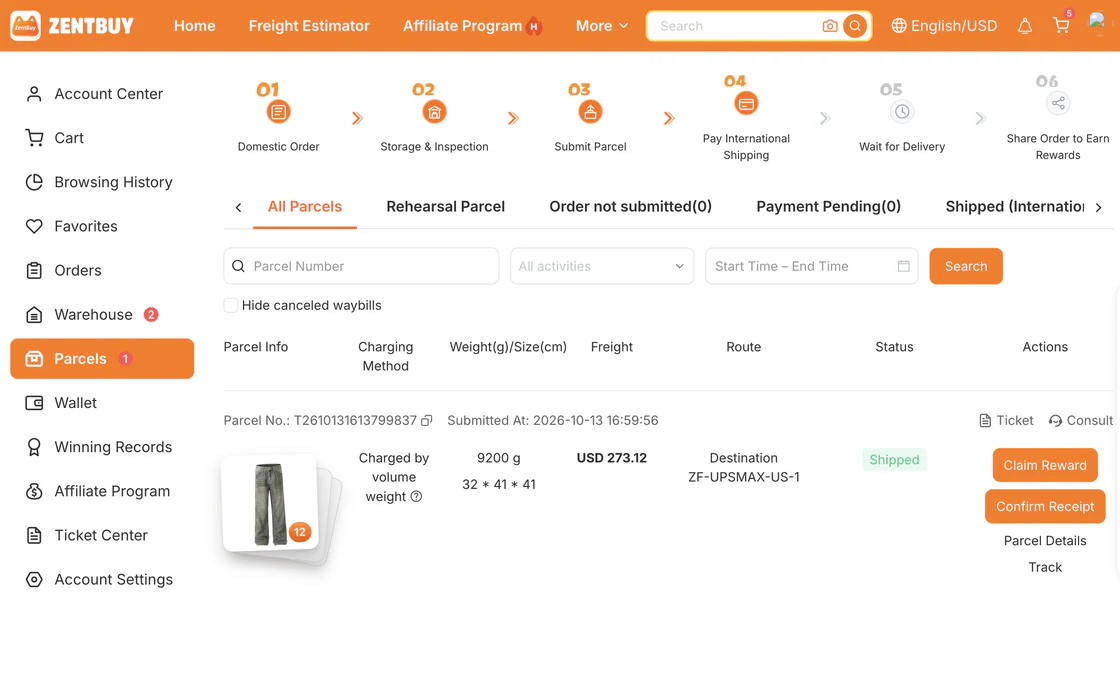
Start with the default line. For heavy parcels, the economy and sea lines cost less but take longer. Zentbuy shows an estimate for each line before you pay.
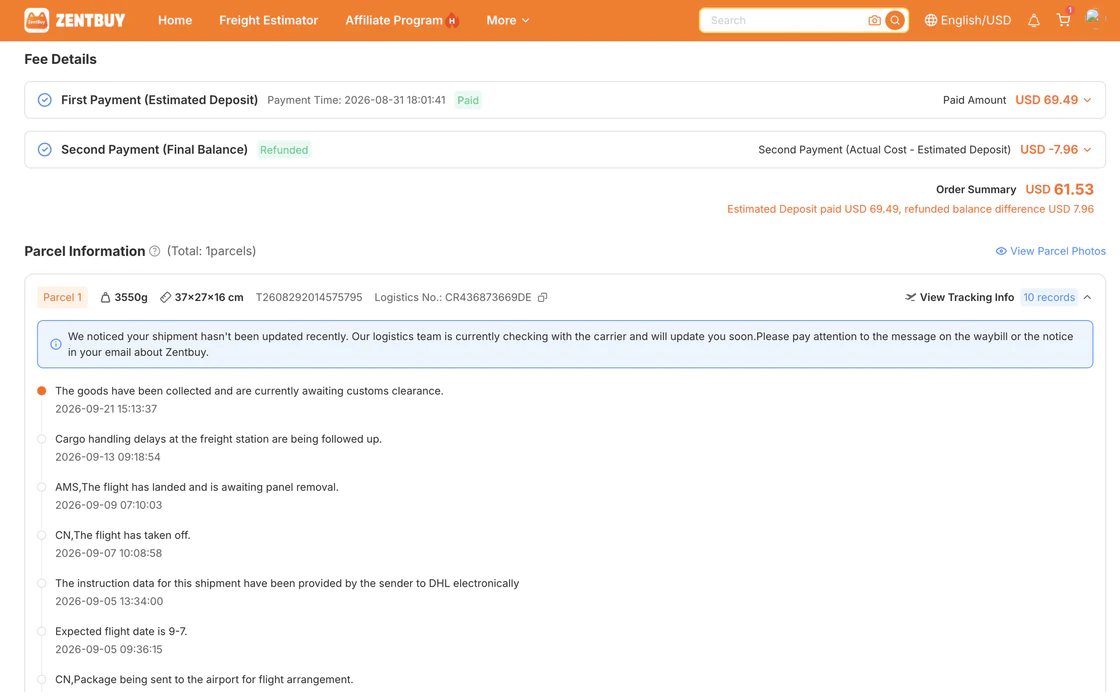
Usually 3 to 10 days for the seller to get it to the warehouse, then 7 to 20 days of shipping, depending on the line and where you live.
If the seller doesn't ship in time, Zentbuy can refund you or order it again. Message their support with your order number.
Make your Zentbuy account, then come back and pick something.